KAMRUI AK1PLUS Mini PC with Intel Alder Lake N97(up to 3.60 GHz), 16GB RAM 512GB ROM Small Desktop Computer, 4K UHD Mini Computers Support WiFi 6 BT5.2 Dual HDMI LAN on Business Home Office Family-NAS
(0 reviews)
Sold by:
Inhouse product
Inhouse product
Price:
$179.94
/PC
Refund:

Share:
Top Selling Products


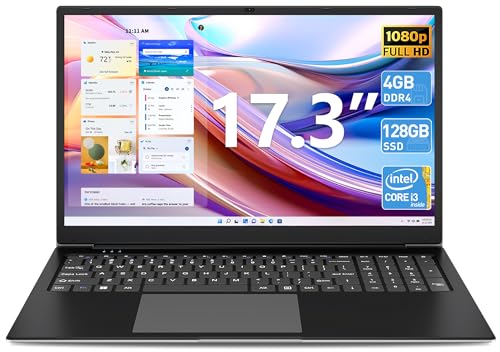


[NEW]AK1PLUS Mini PC N97, Performance improved by 20%-40% to Intel N95 and N100 Previous page Next page Previous page Next page What's the difference between Intel N97 and N100? The N97 has a base power consumption of 12 W and therefore double the amount of the N100(6W). The CPU is built with a further improved 10nm SuperFin process at Intel (called Intel 7). How to set auto power on when power failure? Boot this mini pc and press "Delete" key — Enter into "BIOS Interface" — Select "Boot" in the interface — Select "Automatic Power On" ——Select "Auto Power on” — Press “F4” key to save and exit. How can I change the operating system? Insert the flash drive first, press 'delete' to enter the BIOS, then select startup, select boot, and then press enter to enter the system priority boot menu, set the flash drive for priority boot, and then enter save. When I enter into BIOS interface, any suggestions? Please turn on the pc firstly. And then press and hold the DEL key until enter the BIOS.Under Boot Options -----Boot option#1-------choose "windows boot Manager", then press F4 to save and exit. Does it come with OS? KAMRUI AK1PLUS Mini PC N97 comes with the latest Windows operating system. In addition, it is also compatible with Ubuntu, Linux and Win 10.
There have been no reviews for this product yet.
Related products






If you have any questions, please contact the platform customer service


Contact Info
- Address:
- Phone: WhatsApp:+123456789
- Email: line:tiktokshopmall